
WhatsApp is another way to reach clients who have a mobile number. Documents, statements, and payment messages can join a queue and go out during the hours you set.
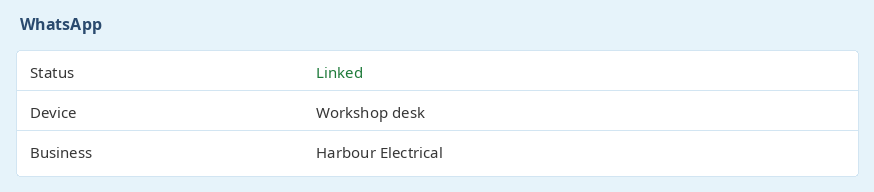
Turn WhatsApp on for the business, then link it the same way you link a device: open WhatsApp, choose Linked devices, and scan the code. Give the linked device a name you will recognise, such as the workshop desk or the accounts office.
WhatsApp is included on the account types that have it. Turning it off stops messages from that business. Each business links its own number, so two businesses on the same login do not share a queue.
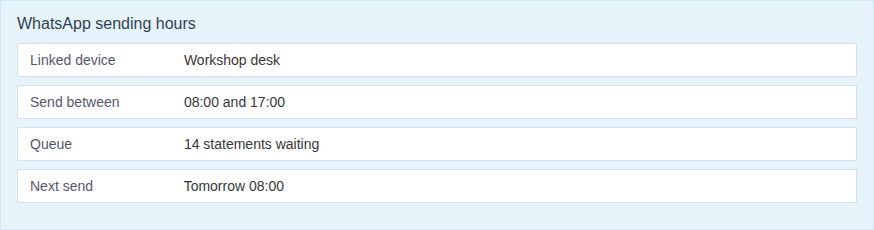
Messages wait in a queue and are sent during the hours set under WhatsApp settings. A batch prepared after hours does not go out in the middle of the night. It waits until the next sending window.
You can see how many messages are waiting, and the name of the linked device, from the same settings screen.
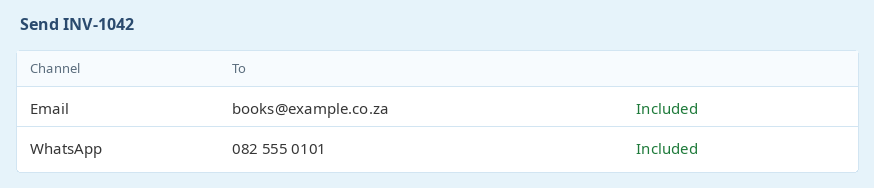
When you send a document, a statement, or a payment message, you can choose WhatsApp as well as email. The client is included when they have a mobile number. You can also set WhatsApp as a client's preferred contact, so the usual send uses that number.
Email still goes out on its own path. WhatsApp does not replace the email copy, and the accounting package is not the one that sends the message.
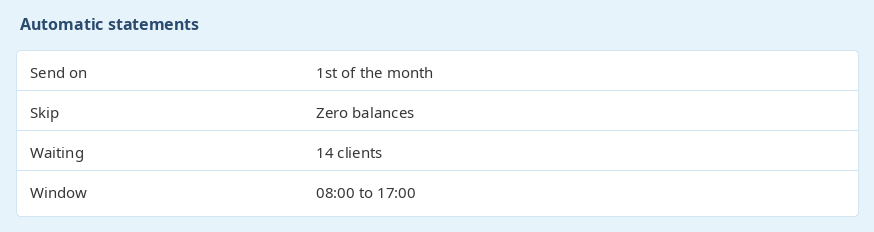
Send statements to every client with an outstanding balance, or to clients who are not on a zero balance. The same batch can use the WhatsApp queue. The number of automatic statements depends on the plan.
An automatic statement can be set to skip a client whose balance is zero, and to go out on a chosen day of the month. Those statements join the same sending hours as a message you send by hand.
Ready to get started? Sign Up for Free
previous Staff, applicants, and leavenext Xero, Sage, and QuickBooks
Sarel Botha - All PowerOns is beïndruk en ons kyk nooit weer terug nie
Dankie vir goeie diens Adriaan.
Ek moet sê, dat ek verskriklik skepties was toe JP die eerste keer aan ons die stelsel voorgestel het. Maar hy het ‘n paar keer aangehou en ek het na al die gekarring bes gegee en dit was voorwaar die heel beste besluit wat ek nog ooit kon maak.
Die stelsel het ons werk massief vergemaklik en die beheer (saam met die geskiedenis) wat ons nou het oor die produkte het ure en ure se gekrap tussen manuele werkkaarte en naslaan van herstelgeskiedenis so vergemaklik dat ek in my dag des lewens nie weer met daardie arkaïese stelsel opgeskeep wil sit nie.
Baie dankie vir die wysigings wat gedoen is oor die verloop van byna drie jaar.