
Connect one Shopify store. Orders become clients and documents here, and inventory can be pushed back to Shopify.
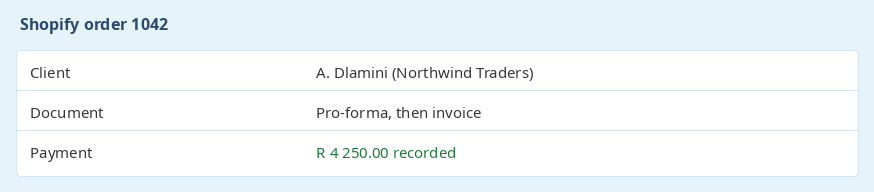
On checkout, the order creates a client and a pro-forma invoice. When Shopify marks the order paid, that pro-forma is converted to an invoice and a payment is recorded. The client name comes from the person on the order, and the company is added when the order has one.
The payment is the amount Shopify recorded as paid, so you do not capture it a second time by hand.
Products are matched by product code, which is sent as the Shopify SKU. Categories become Shopify collections. Tags replace the tags on each synced product, and stock is pushed to the location you choose.
Stock on the product here is the quantity that is sent. A low-stock level can be set on the product so you are told when it gets down to that number. Sync can run on a schedule, or you can sync immediately. A sync that is already running is left to finish. If Shopify's rate limit is reached, the rest waits for the next run.

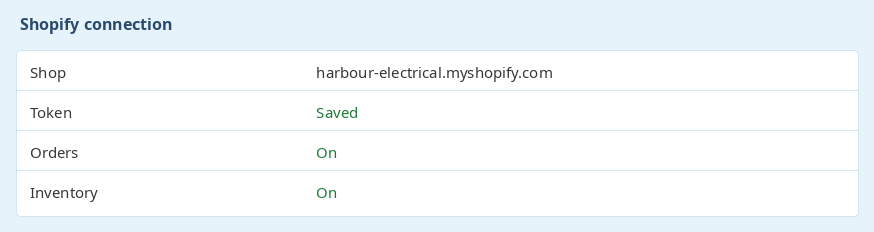
You need the shop domain, an access token, and the API secret that verifies the webhooks. The connection stays off until those are saved and Shopify accepts the token. Orders and inventory sync run only while Shopify is enabled.
One store is connected to the business. WooCommerce is a separate connection and is not changed when Shopify is switched on. Read how the WooCommerce integration works.
Ready to get started? Sign Up for Free
previous Email it innext Asset management
Tinus Bam - PPA SOLUTIONSBaie dankie dit gaan baie help.
Baie dankie dit gaan baie help.
Waardeer julle moeite.