
Bring a bank statement in and allocate the money that arrived, instead of typing each payment by hand.
Import an OFX, OFC, or CSV statement. The lines come in as incoming amounts that you can match to the clients who paid.
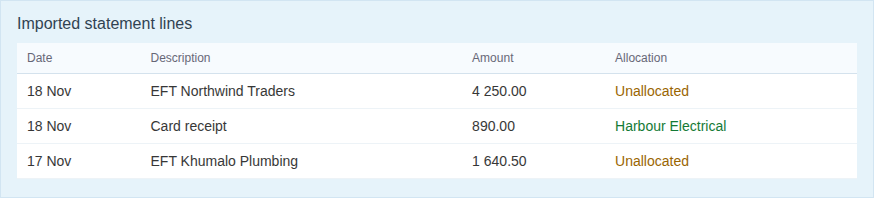
The import keeps the date, the description from the bank, and the amount. You work from that list instead of retyping the statement into payments.
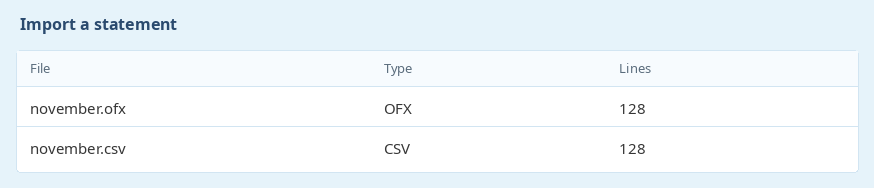
Work through the statement and attach each receipt to the right client. That is the same payment record you would have captured by hand, with the statement as the source.
A line can stay unallocated until you know who paid. Allocated lines show the client they were matched to, so a second pass through the file only has the ones still open.
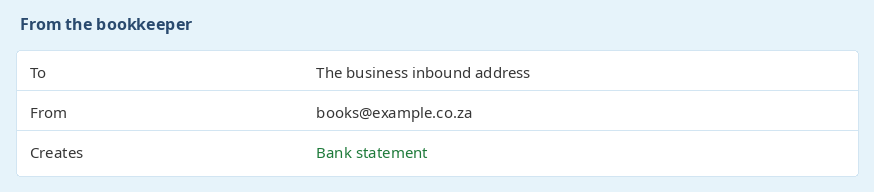
A statement can also arrive on the business inbound address. An authorised sender can be allowed to create bank statements by email, which is useful when the bank or the bookkeeper sends the file.
Mail from anyone else is ignored. See Email it in.
Ready to get started? Sign Up for Free
previous Xero, Sage, and QuickBooksnext Email it in
Reghardt Carstens - Sparkle PoolsOns admin tyd is met 70% verminder!
Ek wil net weer dankie se vir jou stelsel. Ons kry amper elke dag komplimente oor die manier waarop ons werk en jou stelsel. Die kliente waardeer die terugvoer en die deursigtigheid wat die stelsel bied. Ons admin tyd is met 70% verminder nadat ons oorgeskakel het.